What Are The Latest, Greatest Software UI Trends Right Now?
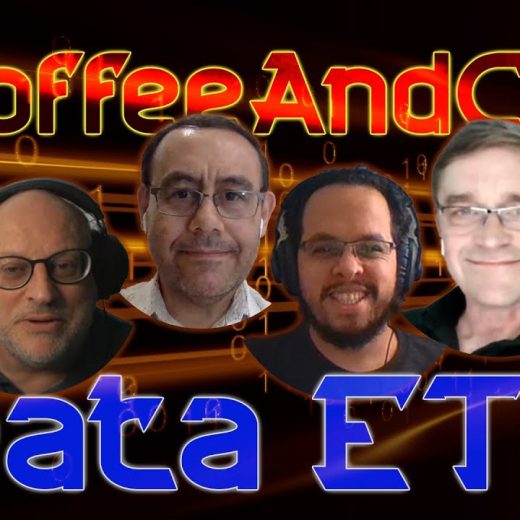
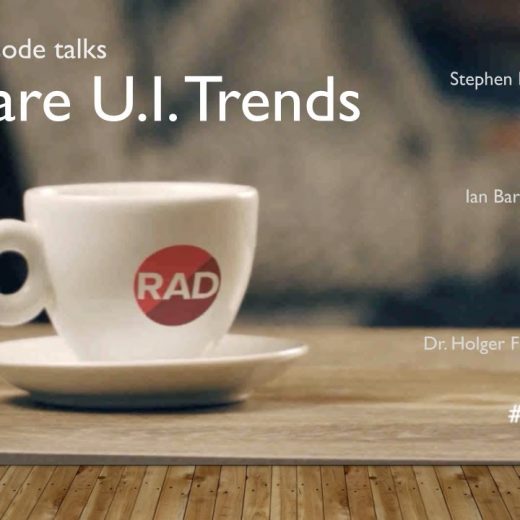
Modern hardware and constantly changing fashions in user interfaces can be tough to keep up with. Graphics cards available today are many times more powerful than even those from just a few short years ago. Even the platforms on which our applications run have become more diverse and it’s common for your users to have a combination of ways to interact with data; from desktop, web and mobile. The excellent TCoffeeAndCode webinar series is here to help In this TCoffee and Code session, Embarcadero MVPs Stephen Ball, Ian Barker, and Dr. Holger Flick (TMS Software) will discuss everything about windows ui toolkit and the latest Software UI trends. They tackled about three of the most common and most popular graphical user interface designs including the so-called Skeuomorphism, Neomorphism, and Flat UI. Skeuomorphism is a UI design that mimics their real-world counterparts in how they appear and/or how the user can interact with them while Neomorphism is one of the newest UI trends that features a minimal and real-looking design that’s sort of a new take on skeuomorphism. Everything you need to know about modern user interfaces The Flat UI, on the other hand, is also a minimalistic design that tends to use limited but bold colors for fewer distractions. The simplicity of this design also promotes efficiency and functionality. The session also covers other related topics including Fluent UI and Project Reunion. They will also discuss how the aforementioned User Interface designs are interrelated and how does device form impacts modern UI designs. With TCoffeeAndCode you get to ask the questions and get the answers you need – and it’s all free The team also answers multiple queries like how do components help with software UI trends and how much VCL styles help with this modern UI. They will also share their thoughts if it is advisable to get a professional graphic designer to help with the design or just let the developer design it himself. If you want to learn more about the latest software UI trends today, feel free to watch this TCoffee and Code session below.