Combat Alert Fatigue in DevSecOps | 2026 Guide
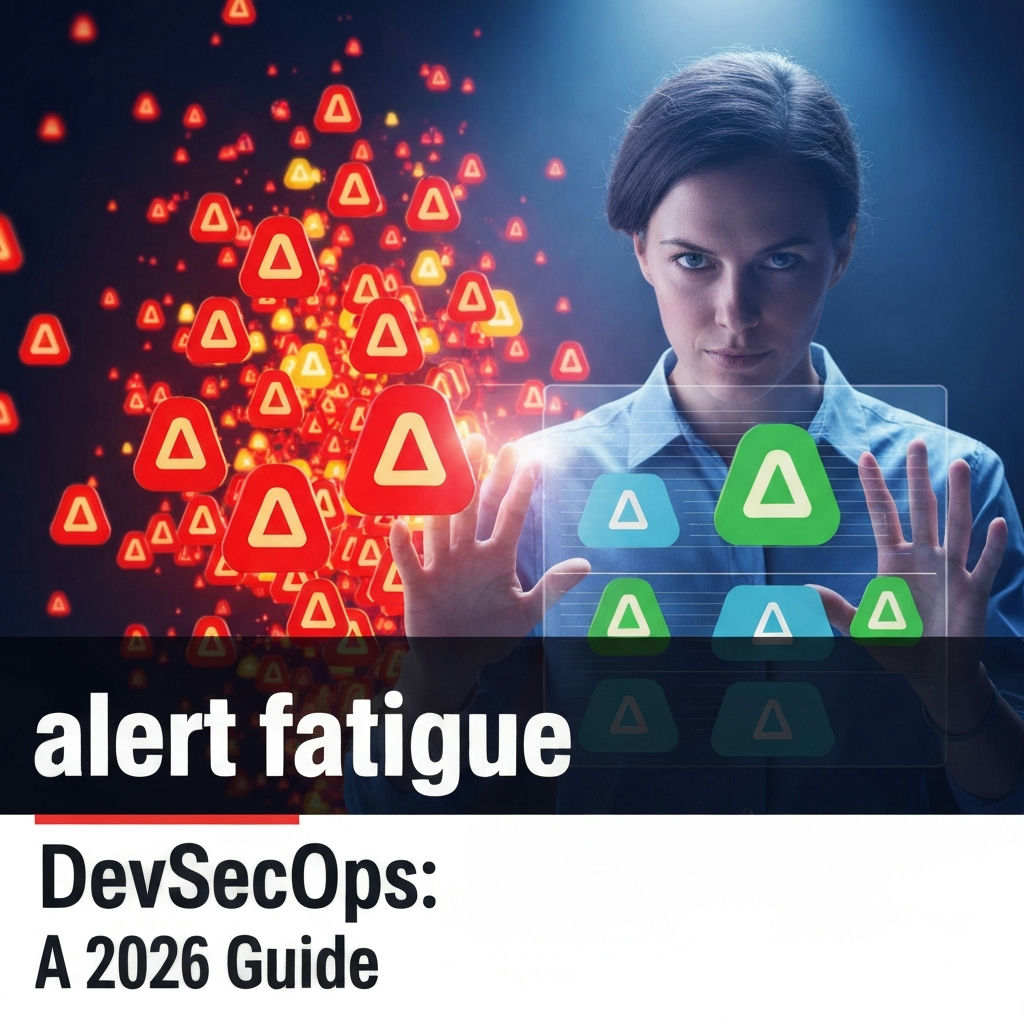
Alert fatigue is a significant challenge in modern software development and security operations, costing organizations billions annually due to missed critical incidents. In 2026, as DevSecOps practices become more ingrained, the sheer volume of alerts generated by security tools can overwhelm teams, leading to slower response times and increased risk. This article explores the concept of alert fatigue within DevSecOps, its causes, impacts, and actionable strategies to mitigate it, ensuring that security teams can focus on genuine threats.
What is Alert Fatigue in DevSecOps?
Alert fatigue, also known as alarm fatigue, describes the phenomenon where an excessive number of non-critical or false positive alerts desensitize security professionals to the point that they may ignore or delay responses to genuine security incidents. In a DevSecOps environment, where security is integrated throughout the software development lifecycle (SDLC), numerous tools monitor code, infrastructure, and applications. These tools, including static application security testing (SAST), dynamic application security testing (DAST), software composition analysis (SCA), cloud security posture management (CSPM), and runtime security platforms, constantly generate alerts. When these alerts are not properly managed, they create a noisy background that can mask critical security events.
Why Does Alert Fatigue Occur in DevSecOps?
Several factors contribute to the overwhelming volume of alerts in DevSecOps:
- Tool Proliferation: DevSecOps adoption often involves integrating multiple security tools. Each tool has its own alert generation mechanisms, and without proper orchestration, their outputs can become redundant or conflicting.
- Poorly Configured Tools: Security tools are often deployed with default settings or without tuning them to the specific environment. This leads to a high rate of false positives, where the tool flags an issue that isn’t a real threat.
- Lack of Context: Alerts frequently lack sufficient context about the affected asset, the potential impact, or the relationship to other events. Without this information, it’s difficult for analysts to prioritize and understand the severity of an alert.
- Siloed Security and Development Teams: Despite the DevSecOps philosophy, traditional team structures can persist. If security tools are not integrated into developer workflows, alerts may be generated in a separate system, leading to delayed visibility and action.
- Dynamic Cloud Environments: Modern cloud-native architectures are highly dynamic. Resources are spun up and down rapidly, and configurations change frequently. Security tools must keep pace, but misconfigurations or rapid changes can trigger a cascade of alerts.
- Automated Scanning Frequency: Frequent, automated scans for vulnerabilities or compliance issues, while necessary, can generate a large number of alerts, especially in complex systems.
The Impact of Alert Fatigue on DevSecOps Teams
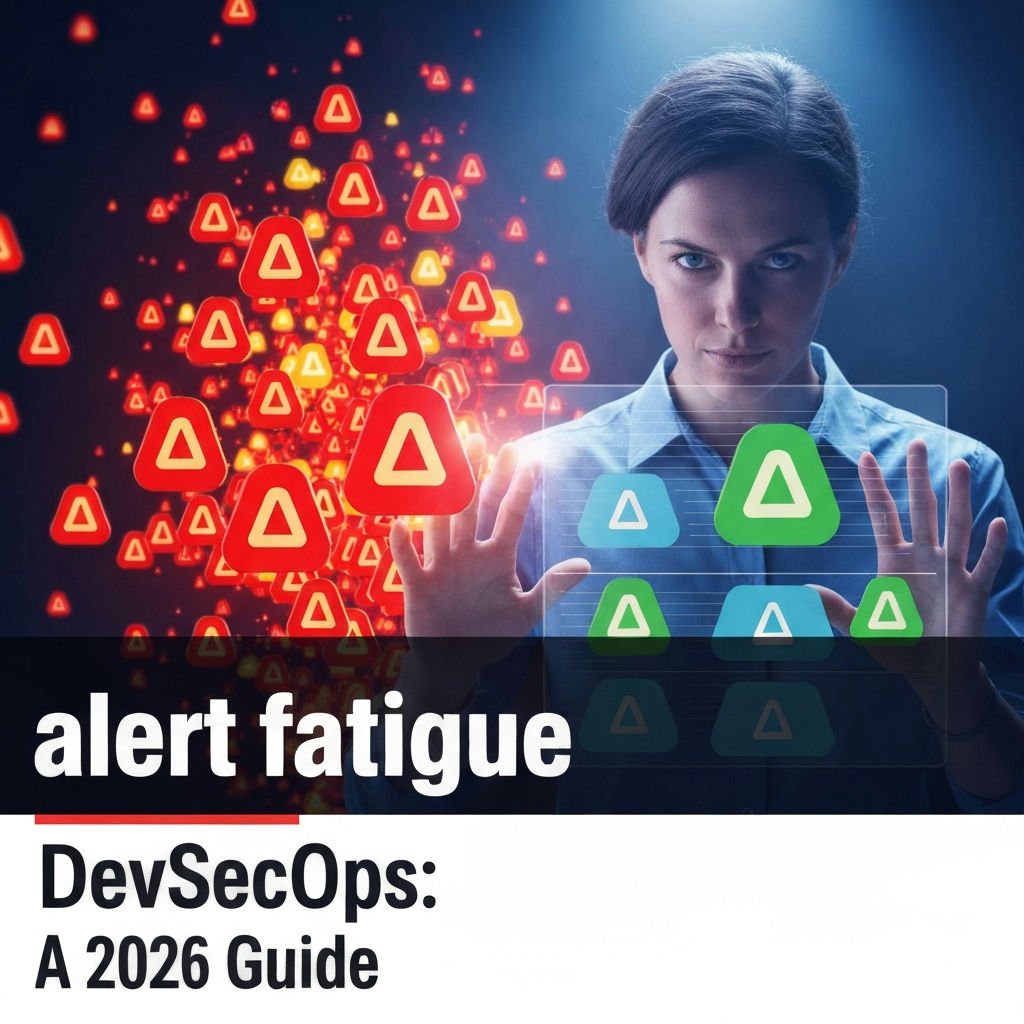
The consequences of alert fatigue are far-reaching and detrimental to both security posture and operational efficiency:
- Missed Critical Incidents: The most severe impact is the potential to overlook genuine threats. When analysts are constantly sifting through noise, a real attack might be dismissed as another false alarm, leading to breaches, data loss, and reputational damage.
- Slowed Incident Response: Prioritizing and investigating alerts takes time. Alert fatigue means analysts spend more time on low-priority or false alerts, delaying the response to critical incidents. This increases the “dwell time” of attackers.
- Increased Operational Costs: Responding to every alert, even false ones, consumes valuable human resources. This can lead to burnout, increased staffing needs, and higher operational expenses.
- Reduced Team Morale and Burnout: Constantly dealing with overwhelming and often irrelevant alerts is demoralizing. Security analysts can experience significant stress and burnout, leading to higher turnover rates.
- Inefficient Resource Allocation: Teams may waste resources investigating non-issues or implementing unnecessary fixes based on noisy alerts, diverting attention from strategic security initiatives.
- Erosion of Trust in Security Tools: If security tools consistently generate false positives, teams may lose confidence in their effectiveness, leading them to ignore alerts altogether.
Strategies to Combat Alert Fatigue in DevSecOps
Effectively managing alerts in a DevSecOps pipeline requires a multi-faceted approach focused on reducing noise, improving context, and streamlining workflows.
1. Alert Triage and Prioritization
Implementing robust alert triage and prioritization mechanisms is fundamental. This involves:
- Defining Severity Levels: Clearly define severity levels (e.g., Critical, High, Medium, Low, Informational) based on potential impact, exploitability, and asset criticality.
- Automated Triage Rules: Develop automated rules to group related alerts, suppress known false positives, and automatically escalate high-severity alerts. For instance, if multiple SAST tools flag the same vulnerability in a non-production environment, the alert could be automatically de-prioritized.
- Contextual Enrichment: Enrich alerts with contextual information such as the affected application, environment (production vs. development), user role, and compliance requirements. This helps analysts quickly assess the potential impact.
- Risk-Based Prioritization: Focus on alerts that represent the highest risk to the organization. This means understanding which vulnerabilities are actively being exploited, which assets are most critical, and which alerts pose the greatest compliance risk.
2. Alert Correlation and Aggregation
Instead of dealing with individual alerts, correlating them into single, actionable incidents is crucial.
- Security Information and Event Management (SIEM) and Security Orchestration, Automation, and Response (SOAR): Leverage SIEM platforms to aggregate logs and alerts from various sources. SOAR platforms can then automate the correlation of related events into incidents, reducing the number of distinct items analysts need to investigate.
- Graph-Based Analysis: Utilize graph databases to map relationships between different entities (users, applications, infrastructure, alerts). This helps identify patterns and connected events that might indicate a sophisticated attack.
- Machine Learning for Anomaly Detection: Employ machine learning algorithms to identify anomalous behavior that deviates from normal patterns. This can help detect novel threats and reduce false positives by learning what constitutes “normal” for your specific environment.
3. Fine-Tuning Security Tools and Configurations
The root cause of many false positives lies in poorly configured tools.
- Environment-Specific Tuning: Regularly review and tune the configurations of all security tools (SAST, DAST, SCA, CSPM, etc.) to match the specific technologies, frameworks, and deployment patterns of your organization.
- False Positive Feedback Loop: Establish a process for analysts to provide feedback on false positives. This feedback should be used to update tool rules, suppress specific findings, or refine detection logic.
- Regular Audits: Periodically audit security tool configurations and alert thresholds to ensure they remain effective and relevant.
4. Integrating Security into Developer Workflows
DevSecOps emphasizes shifting security left. This means bringing security alerts and remediation directly into developer workflows.
- Developer IDE Integration: Integrate security scanning tools directly into Integrated Development Environments (IDEs). This allows developers to identify and fix vulnerabilities early, often before code is even committed, reducing the number of alerts that reach the security team.
- CI/CD Pipeline Integration: Embed security checks within the Continuous Integration/Continuous Deployment (CI/CD) pipeline. Alerts generated here can be presented to developers immediately, often with automated remediation suggestions. For example, a vulnerability found by SCA could automatically create a pull request to update the vulnerable dependency.
- Actionable Feedback: Ensure that alerts presented to developers are actionable, providing clear explanations of the vulnerability and guidance on how to fix it.
5. Automation and Orchestration
Automation is key to handling the volume of alerts and speeding up response.
- SOAR Playbooks: Develop automated playbooks for common alert types. These playbooks can perform initial investigations, gather context, enrich alerts, and even trigger automated remediation actions for low-risk issues.
- Automated Remediation: For well-defined, low-risk issues, implement automated remediation where feasible. This could include automatically patching a known vulnerability or reconfiguring a misconfigured cloud resource.
- Intelligent Alert Routing: Use automation to route alerts to the most appropriate team or individual based on the affected system, application, or type of vulnerability.
6. Knowledge Management and Training
A well-informed team is more effective at managing alerts.
- Centralized Knowledge Base: Maintain a centralized knowledge base of known vulnerabilities, common false positives, and best practices for alert investigation and remediation.
- Continuous Training: Provide ongoing training for security analysts and developers on new threats, security tools, and effective alert management techniques.
- Playbook Development: Train teams on how to develop and execute SOAR playbooks for efficient incident response.
7. Right-Sizing Alert Volume
Not all alerts require immediate human intervention.
- Tiered Alerting: Implement tiered alerting where only critical or high-severity alerts trigger immediate human notification. Medium and low-severity alerts can be batched, reviewed periodically, or addressed through automated workflows.
Focus on Actionable Intelligence: Shift the focus from the number of alerts to the quality and actionability* of the intelligence provided. Aim for fewer, higher-quality alerts that directly inform security actions.
- Regular Review of Alerting Policies: Periodically review and adjust the alerting policies to ensure they are aligned with current threat landscapes and business priorities.
DevSecOps Tools and Alert Fatigue
The effective management of alerts is intrinsically linked to the DevSecOps toolchain. Each tool category presents unique challenges and opportunities:
Static Application Security Testing (SAST)
SAST tools analyze source code, byte code, or binary code for security vulnerabilities.
- Challenge: Can generate a high volume of alerts, many of which may be false positives or low-impact findings, especially in large, complex codebases.
- Mitigation:
- Tune rules based on language, framework, and common coding patterns.
- Prioritize findings based on exploitability and potential impact within the application context.
- Integrate SAST results into IDEs for early developer feedback.
- Use taint analysis to reduce false positives by tracking data flow.
Dynamic Application Security Testing (DAST)
DAST tools test running applications for vulnerabilities by simulating attacks.
- Challenge: Alerts can be noisy, especially in applications with complex user interfaces or extensive API integrations.
- Mitigation:
- Configure DAST scans to target specific attack vectors relevant to the application.
- Correlate DAST findings with SAST results for a more comprehensive view.
- Ensure DAST scans are performed in appropriate environments (e.g., staging, not production unless carefully controlled).
Software Composition Analysis (SCA)
SCA tools identify open-source components and their associated vulnerabilities.
- Challenge: Can generate numerous alerts for outdated libraries, many of which may not be actively exploited or pose a significant risk in the specific deployment context.
- Mitigation:
- Prioritize vulnerabilities based on known exploits and the usage of the vulnerable component.
- Automate dependency updates for low-risk findings.
- Integrate SCA into the CI/CD pipeline to alert developers during the build process.
- Digital Ai Update Extends Scope And Reach Of Devsecops Platform – This indicates advancements in AI can help refine the analysis and reduce noise from tools like SCA.
Cloud Security Posture Management (CSPM)
CSPM tools monitor cloud environments for misconfigurations and compliance risks.
- Challenge: The dynamic nature of cloud environments can lead to a continuous stream of alerts as configurations change.
- Mitigation:
- Focus on critical misconfigurations that directly impact security (e.g., publicly exposed storage buckets, weak IAM policies).
- Automate remediation for common misconfigurations.
- Establish clear policies and baselines for cloud resource configurations.
Runtime Security Tools
These tools monitor applications and infrastructure in real-time for malicious activity.
- Challenge: Can generate high volumes of alerts, particularly in high-traffic environments. Differentiating between legitimate and malicious activity can be difficult.
- Mitigation:
- Establish baseline behavior profiles for applications and systems.
- Use behavioral analytics to detect deviations from normal patterns.
- Correlate runtime alerts with other security data (e.g., network logs, endpoint data) for better context.
Case Study: Reducing Alert Fatigue at a SaaS Company
A mid-sized SaaS company experienced significant alert fatigue across their DevSecOps teams. They used a combination of SAST, SCA, DAST, and a cloud security monitoring tool. Security analysts were spending over 60% of their time triaging alerts, with less than 10% leading to critical incident response.
Actions Taken:
- Tool Consolidation and Integration: They reviewed their tool stack, consolidating where possible and ensuring better integration between remaining tools using a SOAR platform.
- Tuning and Baseline Establishment: Security engineers worked with development teams to tune SAST and SCA rules specifically for their primary tech stack. They established baseline security configurations for their cloud infrastructure, reducing CSPM noise.
- Automated Triage and Enrichment: The SOAR platform was configured with playbooks to automatically enrich alerts with data from their CMDB and threat intelligence feeds. Alerts were automatically de-prioritized if they related to non-production environments or if the vulnerability was known to be low-risk and unexploitable in their context.
- Developer Feedback Loop: A direct feedback mechanism was built into the CI/CD pipeline. Developers could mark an alert as a false positive or low priority, with this feedback directly informing future tuning efforts.
- Shift-Left Focus: Increased investment in integrating security scanning directly into developer IDEs and pre-commit hooks.
Results:
Within six months, the company saw a 40% reduction in the total alert volume. More importantly, the number of actionable alerts requiring human investigation increased by 25%. Critical incident response times decreased by an average of 30%, and team morale improved significantly due to reduced stress and more impactful work.
Future Trends in Alert Management
The fight against alert fatigue is ongoing. Future trends will likely include:
- AI-Powered Alert Prioritization: Advanced AI and machine learning models will become more sophisticated at predicting the true severity of alerts and correlating seemingly disparate events into high-fidelity incidents.
- Predictive Security Analytics: Moving beyond reactive alert management to predict potential security issues before they generate alerts, based on behavioral analysis and threat modeling.
- Hyper-automation: Greater use of automation, including autonomous response capabilities for certain types of incidents, further reducing the need for human intervention in routine tasks.
- Context-Aware Security Platforms: Development of platforms that provide a holistic view of the security landscape, integrating alerts from all sources into a single, context-rich dashboard.
- Focus on “Noise Reduction as a Service”: Specialized services or platforms focused solely on optimizing alert pipelines, tuning tools, and reducing false positives for organizations.
Conclusion
Alert fatigue is a pervasive issue in DevSecOps, born from the complexity and scale of modern software development and security practices. It poses a significant risk by obscuring real threats and hindering efficient incident response. By implementing strategic approaches such as rigorous alert triage, correlation and aggregation, fine-tuning security tools, integrating security into developer workflows, and leveraging automation, organizations can effectively combat alert fatigue. The goal is not to eliminate alerts entirely, but to ensure that security teams receive fewer, more accurate, and highly actionable alerts, allowing them to focus their valuable expertise on protecting the organization from genuine threats in the dynamic landscape of 2026. Continuous improvement, adaptation, and a commitment to refining security processes are essential for maintaining a strong security posture while managing the inevitable influx of security data.
Frequently Asked Questions
What is the primary cause of alert fatigue in DevSecOps?
The primary cause of alert fatigue in DevSecOps is the sheer volume of alerts generated by numerous, often poorly configured, security tools integrated throughout the software development lifecycle. This excessive noise desensitizes security professionals, leading them to overlook critical incidents.
How can DevSecOps teams reduce the number of false positive alerts?
Teams can reduce false positives by rigorously tuning security tools to their specific environment, establishing clear baselines, implementing feedback loops for analysts to report false positives, and using context-aware prioritization rules to filter out non-critical findings.
What role does automation play in combating alert fatigue?
Automation, particularly through SOAR platforms and CI/CD pipeline integrations, plays a critical role. It enables automated triage, correlation of related alerts into single incidents, enrichment of alerts with contextual data, and even automated remediation for low-risk issues, significantly reducing the manual burden on security analysts.
How does integrating security into developer workflows help with alert fatigue?
Integrating security tools and alerts directly into developer workflows (like IDEs and CI/CD pipelines) helps combat fatigue by enabling developers to identify and fix issues earlier in the SDLC. This “shift-left” approach prevents many alerts from ever reaching the security operations team, reducing overall noise.
Can AI and Machine Learning help with DevSecOps alert fatigue?
Yes, AI and Machine Learning are increasingly vital. They can analyze vast amounts of data to identify patterns, detect anomalies, correlate events more intelligently, and predict the true severity of alerts, thereby helping to prioritize genuine threats and filter out noise more effectively.
What is the impact of alert fatigue on incident response times?
Alert fatigue significantly slows down incident response times. When security professionals are overwhelmed with non-critical alerts, they take longer to identify and investigate genuine security incidents, increasing the potential damage an attacker can inflict before the threat is neutralized.


